Product and order links
Use the supported product mappings and order reconciliation to relate TikTok activity to your shop records. Review any unsupported or mismatched data.


For Botble and WooCommerce
Your shop + TikTok Shop
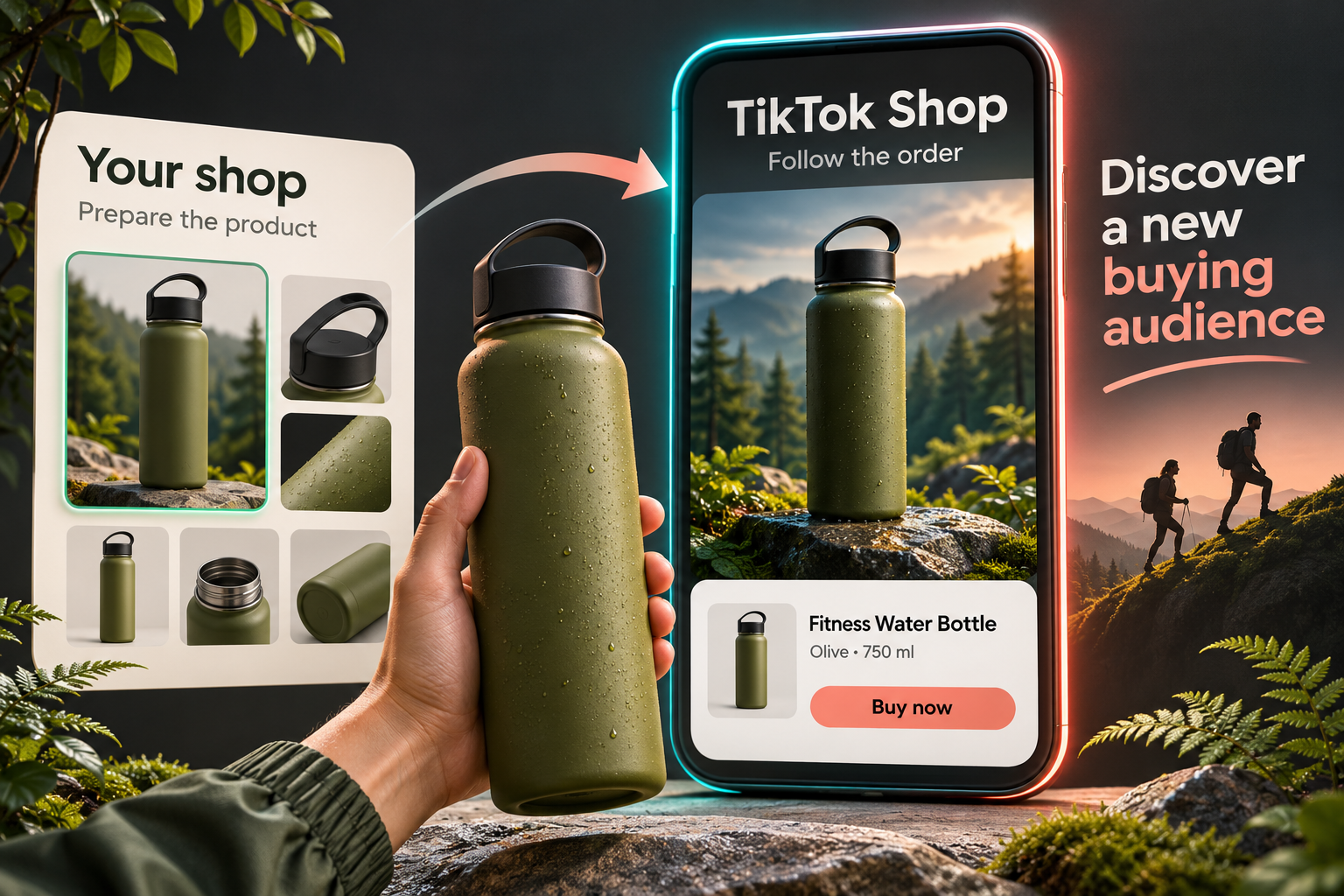
Add an eligible TikTok Shop as another route to customers while keeping your own shop. Prepare product listings, connect the stock and order work, and review the parcel and costs behind each sale.
Botble · Release not yet available
WooCommerce · Release not yet available
More routes to your customer
Prepare an eligible product for the TikTok Shop account you authorise, using the catalogue and stock you already manage. Review its category details, SKU mapping and costs before submission. When an order arrives through the supported connection, keep the product, packaging and shipping record together. Reaching another audience should come with a clear plan for fulfilling the sale.
Prepare a listing for the shop and market that will receive it. Review the product description, SKU mapping, inventory and measurement details together with the category requirements, rather than sending the same fields blindly to every market. Where the selected category or region requires manufacturer or responsible-person information, use the supported profiles and check the completed details. The plugin helps organise the submission; the marketplace still decides whether the account and product are eligible.
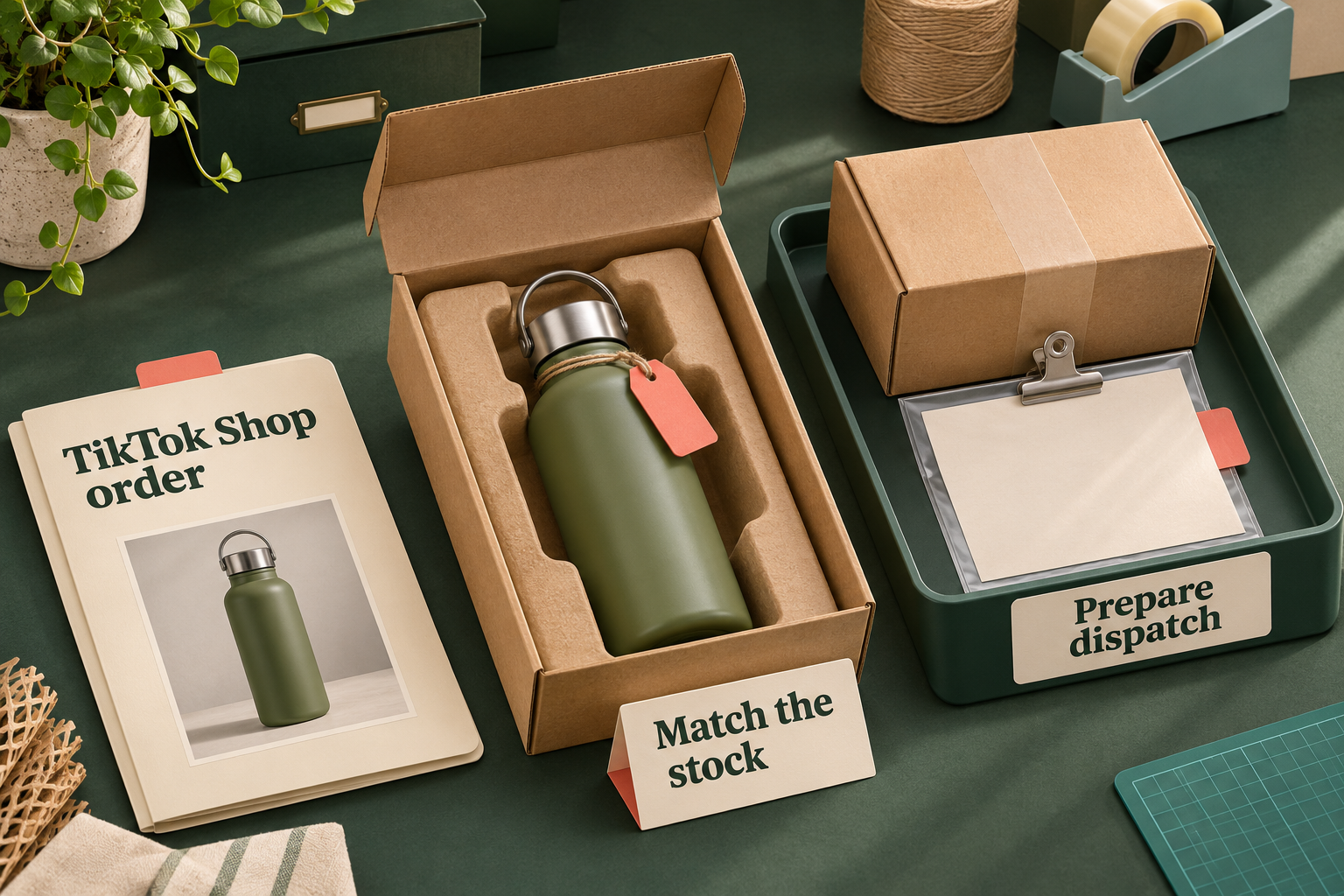
Use the supported order and product mappings to move from a marketplace sale to a reviewed parcel. Reuse the packaging details you have already checked, while keeping purchase and carrier handover as separate actions.
Use the supported product mappings and order reconciliation to relate TikTok activity to your shop records. Review any unsupported or mismatched data.
Reuse configured boxes and delivery services. Shipping weight includes the contents and empty packaging.
Keep the supported shipping document with the shipment so authorised staff can return to it.
Language that fits the work
Choose the language of the plugin administration without changing the country or currency of a connected TikTok shop. The explicit administration choice takes priority over the browser preference, so your team can work in a supported language while keeping the shop’s commercial context intact. Product-content language is separate again. For supported Belgian listings, review the French, Dutch or German product-language choice independently of the administration language. That separation keeps the place you sell, the language you work in and the content you send from being treated as one setting.
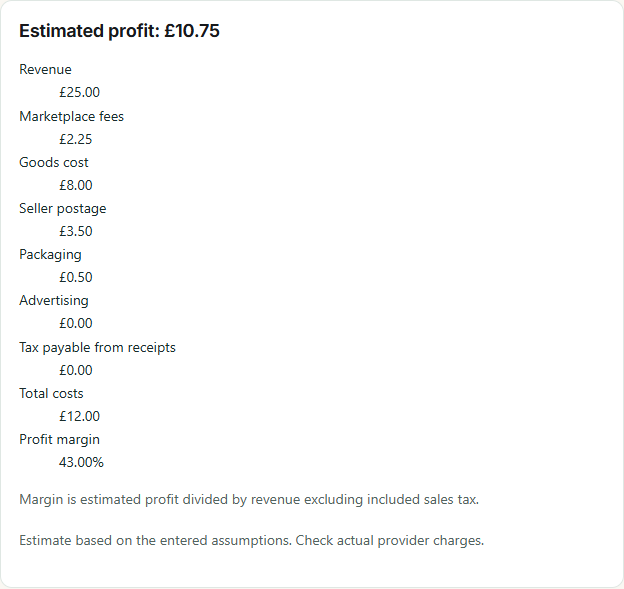
Work in the selected shop currency and include the costs that remain yours. Product cost, packaging, postage, advertising and the supported fee assumptions all affect the estimate. If TikTok covers postage, that does not make the packaging free. Native product costs are prefilled only when their currency matches the shop estimate. Enter the appropriate costs when working in another currency; the calculator does not silently convert them. Review the account’s agreed fees and use the resulting estimate to make a pricing decision, not as a promise of settlement. In the illustrated calculation, £12 of goods, postage and packaging plus £2.25 of marketplace fees gives £14.25 in listed deductions. From a £25 sale, £10.75 remains before any other business costs. The interface’s “Total costs” line is the non-fee subtotal; the fee is deducted separately.
Return to the label
Supported shipping-label PDFs are saved privately so authorised staff can reopen and reprint them. Keeping the document with the shipment gives the team a practical way to recover a printout without treating a reprint as another purchase. A purchased label does not mean that the parcel has been handed to the carrier. Review the supported shipping route and the order’s current state, and keep physical dispatch as a distinct step in the workflow.
There are two connection routes: All Programming’s shared connection where available, or an eligible TikTok Shop app of your own. Neither route grants seller approval or opens a market your account cannot access.
Before you choose
Tell us your platform and versions, seller country, shop currency, own-app or shared-connection preference, and the listing, order or shipping work you need. Do not send seller tokens or app secrets.
Review the plans and availability below.
Plans and prices have not been confirmed for All TikTok Shop on Botble. Ask about availability
Choose from the plans available for this plugin and platform.
Launch offer
One plugin and one platform edition per licence. See how licensing works →
The plugin supports an eligible own-app connection and All Programming’s shared connection where available. Availability must be checked for your seller account, country and required listing, order and shipping tasks; there is no promise that every TikTok Shop market is covered. Use the compatibility enquiry on this page before choosing.
No. TikTok controls seller eligibility, app approval and market permissions. The shared connection does not bypass those decisions, and having an app does not establish approval for every shop or task.
No. Label creation or purchase and carrier handover are separate steps. Follow the supported handover workflow for the connected market and shipment.
They are estimates based on the costs and fee assumptions you enter. Review those inputs and reconcile the actual marketplace settlement separately.
No. The administration language, product-content language, shop country and shop currency are separate choices. Available content-language options depend on the market.
No. The estimate keeps packaging separate from postage. Include the costs you actually pay and review any seller-paid shipping charges or settlement deductions.
No. All Programming is an independent software provider, and the related TikTok marks belong to their owners. App approval, supported markets and product availability must be confirmed separately before launch.
Cookie preferences